
Set up your ZK proof wallet
To earn passive income with ZK Verified Tasks, you need a wallet capable of handling zero-knowledge cryptography. This setup is the foundation for every task on the zkVerify network.
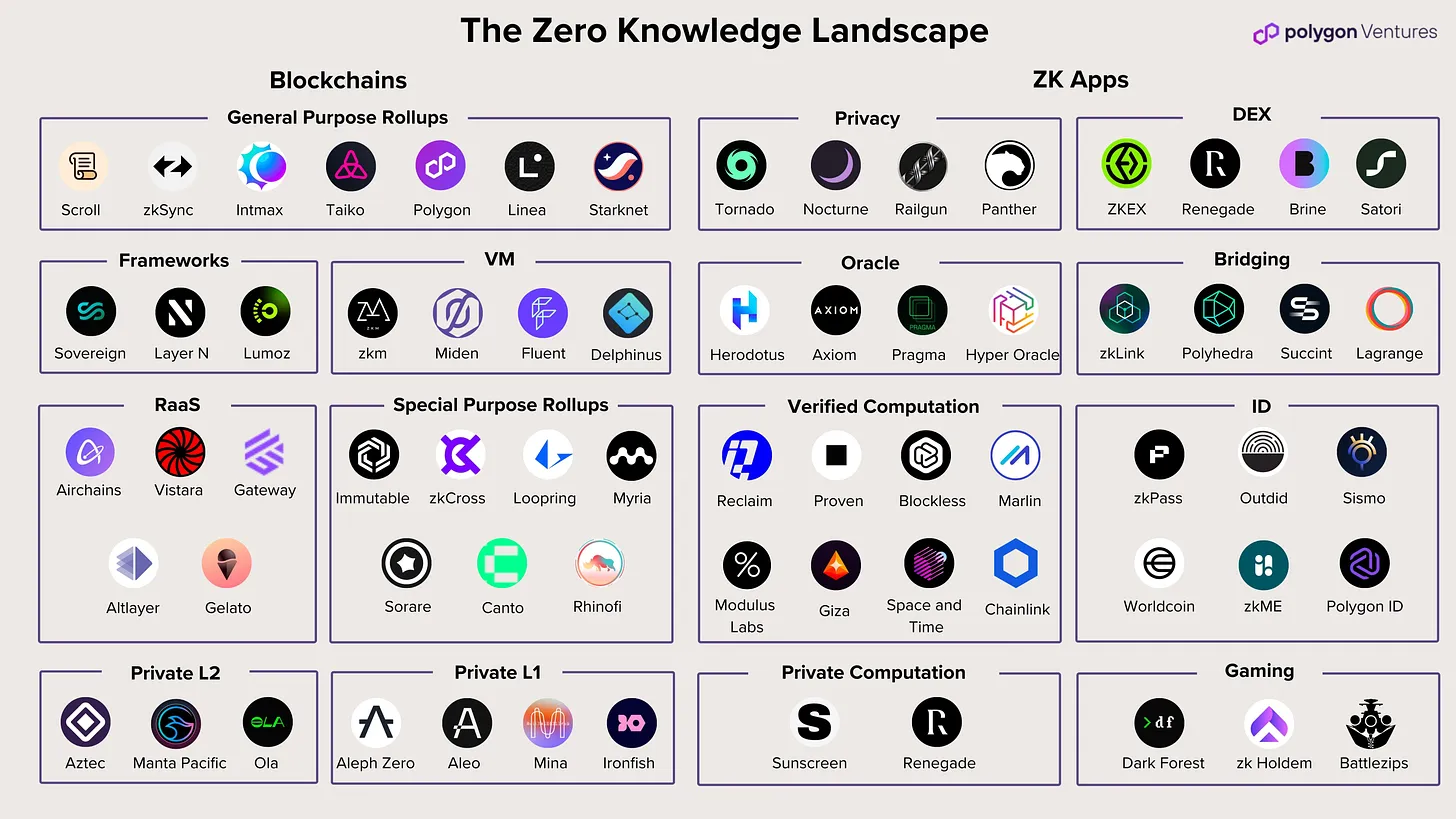
zkVerify is a modular proof verification layer. Check the zkVerify documentation for the current list of supported wallets and networks to ensure compatibility.
Create a new wallet account. Generate a private key and recovery phrase (seed phrase). Write it down on paper and store it offline. Never share this phrase. Losing it means losing access to your rewards.
Configure your wallet to connect to the zkVerify testnet or mainnet. Add the correct RPC endpoint and chain ID to avoid sending funds to the wrong network. A successful connection allows your wallet to read task availability.
Acquire native gas tokens from an exchange and transfer them to your wallet. Ensure the amount covers transaction fees for proof submissions. Some networks may also require staking for high-value tasks.
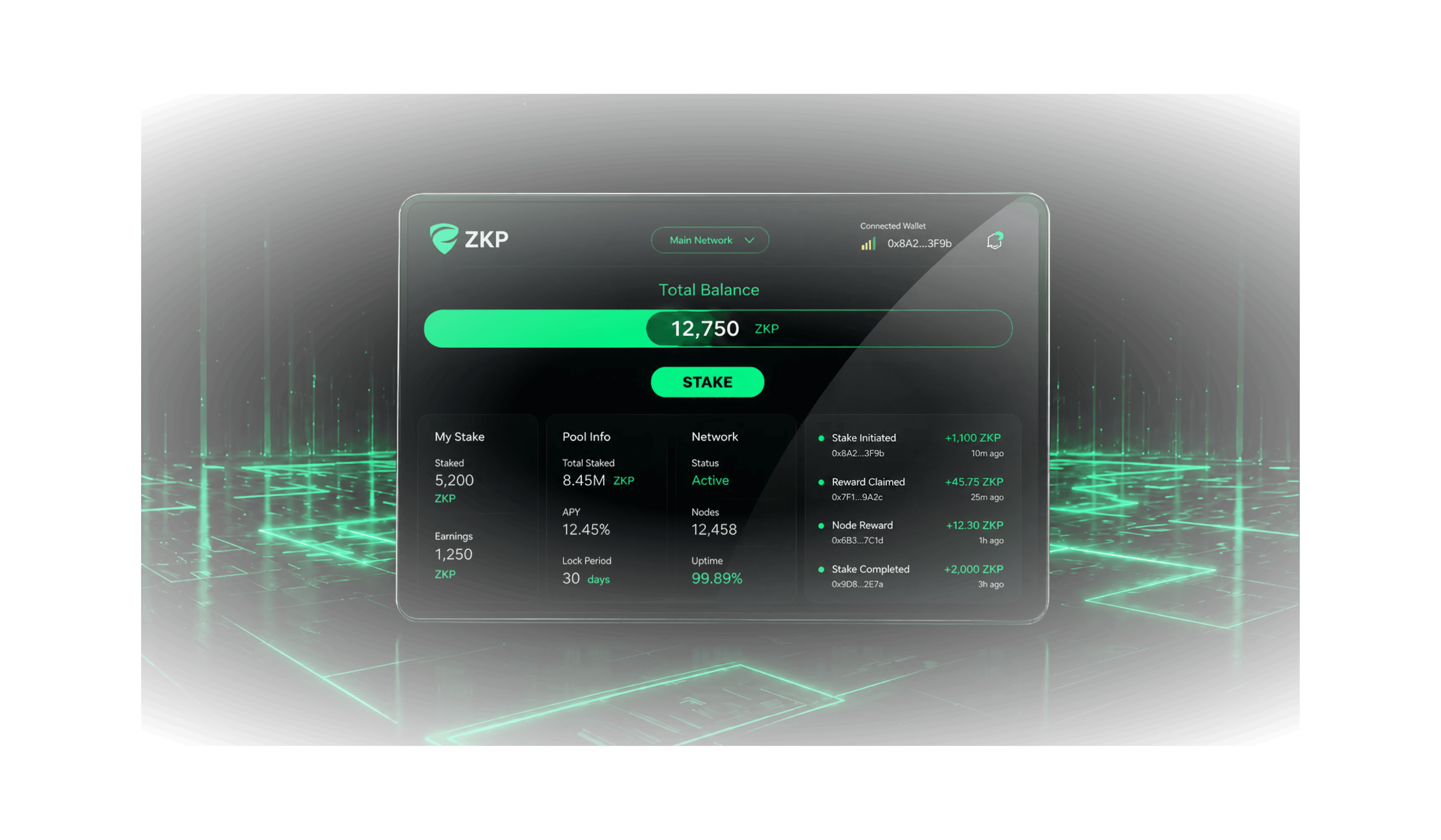
Ensure your wallet can sign ZK proofs. Link your wallet to any required identity protocols or complete KYC steps if mandated by the task issuer. Test the setup with a low-stakes task to confirm proof submission works.
Once your wallet is set up, you are ready to select tasks that match your computational resources.
Find active ZK verification bounties
Start with the ZKProof Verified Verifiers list. This working group formally establishes the validity of zero-knowledge proofs by ensuring the correctness of cryptographic implementations. It serves as the primary source for legitimate, audited verification tasks.
Next, explore zkVerify, a dedicated modular proof verification layer. Its documentation outlines an incentivized testnet designed to empower blockchain applications with zero-knowledge proof capabilities. These programs often offer bounties for verifying proofs, providing a structured way to earn passive income while supporting network security.
When searching for tasks, prioritize platforms that publish their smart contract addresses on-chain. Legitimate ZK verification projects are transparent about their code and verification logic. If a bounty requires you to sign an unverified contract or provides only a link to a private Telegram group, treat it as a high-risk scam. Stick to the official channels listed above to ensure your efforts are compensated securely.
Submit proofs and claim rewards
Generating and submitting ZK proofs is the core mechanism for earning passive income on zkVerify. This process allows you to verify computations without revealing the underlying data, ensuring privacy while validating correctness. The workflow moves from proof generation to on-chain verification, where rewards are distributed automatically.
1. Generate the zero-knowledge proof
The first step involves creating the proof itself. You use a proving system to demonstrate that a specific computation was performed correctly. This happens off-chain, meaning your private data or intermediate steps remain hidden. Security is mathematically sound; the system verifies the logic without exposing the inputs. This privacy-preserving nature is what makes ZK proofs valuable for sensitive financial or personal data verification.
2. Submit the proof to zkVerify
Once generated, you submit the proof to the zkVerify network. This layer acts as a centralized verification hub that aggregates proofs from multiple sources. By using zkVerify, you benefit from optimized verification protocols designed for scale. The network checks the validity of your proof against the agreed-upon cryptographic standards. This step ensures that the proof is legitimate before it is sent to the final destination.
3. Verify on-chain and claim rewards
The final step is submitting the verified proof to a smart contract on a blockchain like Ethereum or a compatible L2. zkVerify makes this incredibly cheap, reducing verification costs to less than 1/100th of the cost on Ethereum. This efficiency is critical for passive income models, as high gas fees can erase small rewards. Once the smart contract accepts the proof, it automatically triggers the reward distribution to your wallet.
Why this model works for passive income
This system shifts the burden of verification from the user to the network. You do not need to run expensive nodes or manage complex cryptographic key pairs for every transaction. zkVerify handles the heavy lifting of verification, allowing you to focus on providing the initial data or computation. This separation of concerns makes the process accessible to a wider range of participants.
The cost-efficiency of zkVerify is a major advantage. Traditional ZK verification on Ethereum can be prohibitively expensive for frequent, small-scale tasks. By batching and optimizing these verifications, zkVerify lowers the barrier to entry. This means you can earn rewards from smaller tasks that would otherwise be unprofitable due to gas costs.
Risks and considerations
While the technology is robust, there are risks to consider. Smart contracts can have vulnerabilities, so it is essential to use audited platforms. Additionally, the value of rewards is tied to the underlying token, which can be volatile. Always verify the legitimacy of the task provider and understand the tokenomics before committing resources. Decentralized management of the ledger helps mitigate some risks, but user diligence is still required.
Avoid common setup mistakes
Most passive income failures in ZK-verified tasks stem from configuration errors. If your proof submission fails, it is usually because the wallet or the proving environment does not match the specific requirements of the verification network.
Mismatched Wallet Networks
The most frequent error is connecting a wallet to the wrong chain. ZK proofs often require specific network parameters, such as a particular RPC endpoint or chain ID. If you are earning on a Layer 2 solution but your wallet is set to Ethereum Mainnet, your transaction will fail silently or revert. Always verify that your wallet’s active network matches the one specified in the task dashboard.
Incorrect Gas and Gas Limits
Zero-knowledge proof generation and submission are computationally heavy. If your gas limit is too low, the transaction will run out of gas before the proof is verified, resulting in an "out of gas" error. Conversely, setting the gas price too low during high network congestion can cause your submission to get stuck in the mempool for hours. Check the current network congestion and set your gas limit slightly above the estimated average provided by your wallet or block explorer. This ensures your proof gets processed without overpaying during quiet periods.
Missing Proof Parameters
Some ZK tasks require specific input parameters, such as a unique challenge ID or a timestamp. Submitting a proof with outdated or missing parameters causes the verifier to reject the data as invalid. Double-check the task instructions for any required metadata. Ensure your proving software is configured to generate the exact proof format (e.g., Groth16, Plonk) required by the verifier contract. A single wrong bit in the proof structure renders the entire submission useless, wasting your time and gas fees.
Wallet Signature Expiry
Proof submissions often require a digital signature from your wallet to authorize the transaction. These signatures have a short lifespan. If you generate a proof but wait too long to submit it, the signature may expire, causing the transaction to be rejected by the smart contract. Generate and submit your proof in the same session whenever possible. If you must wait, refresh your signature immediately before submission to ensure it is still valid.
Verification Contract Mismatch
Ensure you are submitting your proof to the correct verification contract address. Smart contracts are updated frequently, and using an outdated address means your proof goes nowhere. Always copy the contract address directly from the official task page or the project’s verified documentation. Never rely on third-party links or cached addresses. This step is critical for protecting your earnings and ensuring your proof is counted.
Check your earnings and withdraw
Once your tasks are verified on the zkVerify chain, the rewards accumulate in your connected wallet. Unlike traditional platforms that require manual entry forms, this process is automated. You can monitor your balance directly in the zkVerify dashboard or through your wallet interface.
Before withdrawing, ensure your wallet has enough native token balance to cover transaction fees. This is a common oversight that can stall your withdrawal. The fees are typically minimal, but they are required to process the transaction on the blockchain.
To withdraw, navigate to the withdrawal section of the platform. Select the amount you wish to move and confirm the transaction. The funds will be transferred to your external wallet address. For large amounts, consider moving them to a hardware wallet for added security.
-
Verify task completion status in the dashboard
-
Check wallet balance for sufficient gas fees
-
Confirm withdrawal destination address
-
Approve transaction in your wallet
No comments yet. Be the first to share your thoughts!